

Download OwnDrive – Free Encrypted Cloud Storage for Windows, Mac, Android & iOS
Overview – Why OwnDrive Stands Out in the Crowded Cloud Market
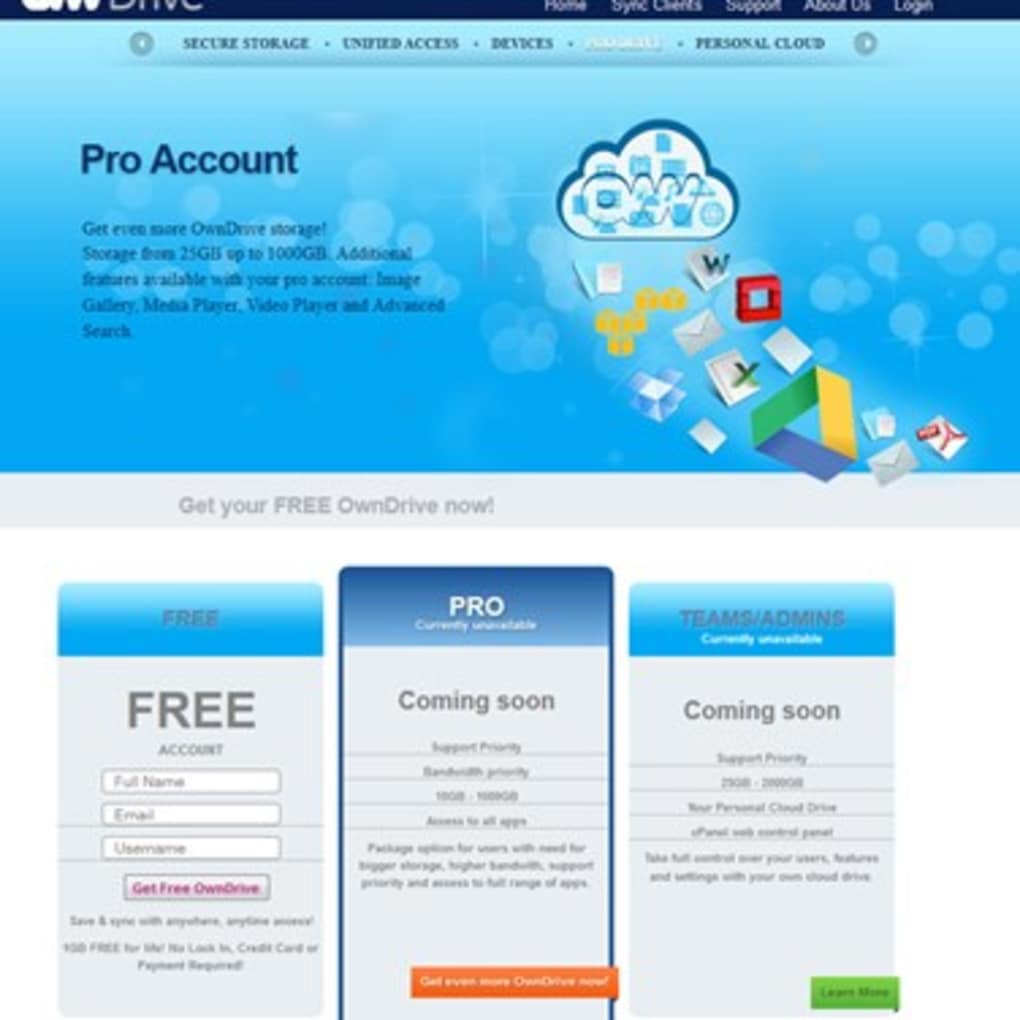
OwnDrive is a free, encrypted cloud storage solution that lets users keep their files safe on any device—from desktop computers to smartphones. Unlike many generic cloud services, OwnDrive employs advanced AES‑256 encryption, ensuring that sensitive documents, photos, and media are stored in a vault that only the user can unlock. The free tier already provides 1 GB of secure space, which is sufficient for everyday documents, while premium upgrades unlock additional storage, a built‑in music player, customizable bookmarks, and a live RSS news feed.
What truly differentiates OwnDrive is its unlimited device linking: a single account can synchronize data across an unrestricted number of Windows PCs, macOS laptops, Android phones, and iOS tablets without extra fees. Setup is designed to be a breeze—just download the installer, create a password, and your files are automatically encrypted before they ever leave your device. For privacy‑concerned individuals, small businesses, or anyone who wants a trustworthy alternative to mainstream cloud giants, OwnDrive offers a compelling mix of security, flexibility, and zero‑cost entry.
Key Features & Benefits – What You Get with OwnDrive
- End‑to‑end AES‑256 encryption: Files are encrypted on the client side, so even the service provider cannot read your data.
- Cross‑platform sync: Seamlessly sync files between Windows, macOS, Android, and iOS devices.
- Unlimited device connections: No cap on how many devices can be linked to a single account.
- Free 1 GB storage: Immediate access to a secure cloud vault without spending a dime.
- Premium add‑ons: Upgrade to get more storage, a built‑in music player, custom bookmarks, and a live RSS news feed.
- Secure sharing links: Share files with password‑protected URLs that expire after a set period.
- Automatic backup schedule: Choose hourly, daily, or weekly backups to keep your data current.
- Two‑factor authentication (2FA): Optional 2FA adds an extra layer of protection for your account.
- Data residency options: Select the region where your encrypted data is stored for compliance needs.
- Lightweight client: Minimal system resources, ensuring fast performance even on older hardware.
Each of these features is crafted with the end‑user in mind. For instance, the secure sharing links let you collaborate with colleagues or friends without exposing your encryption keys. The automatic backup schedule removes the fear of forgetting to manually upload the latest version of a file.
Meanwhile, the optional 2FA and data residency controls address enterprise‑level security concerns, making OwnDrive a viable choice for small businesses that need compliance without a massive budget. The premium music player, though a nice convenience, also showcases the platform’s versatility—turning your cloud storage into a personal media hub. Overall, the feature set balances core security requirements with user‑friendly enhancements that keep the experience enjoyable and productive.
Installation, Usage & Compatibility – Getting Started on Any Device
OwnDrive’s installer is available directly from the official website for Windows (.exe), macOS (.dmg), Android (Google Play), and iOS (App Store). The download size is under 30 MB for desktop versions, ensuring a quick transfer even on slower connections. After launching the installer, you’ll be guided through a short wizard: accept the license agreement, choose an installation folder (default is recommended), and set a master password. This password is the only key that can decrypt your files, so choose a strong, memorable phrase. Once the client is installed, it runs silently in the background and creates a virtual drive (e.g., “OwnDrive:\”) that behaves like any other folder on your system.
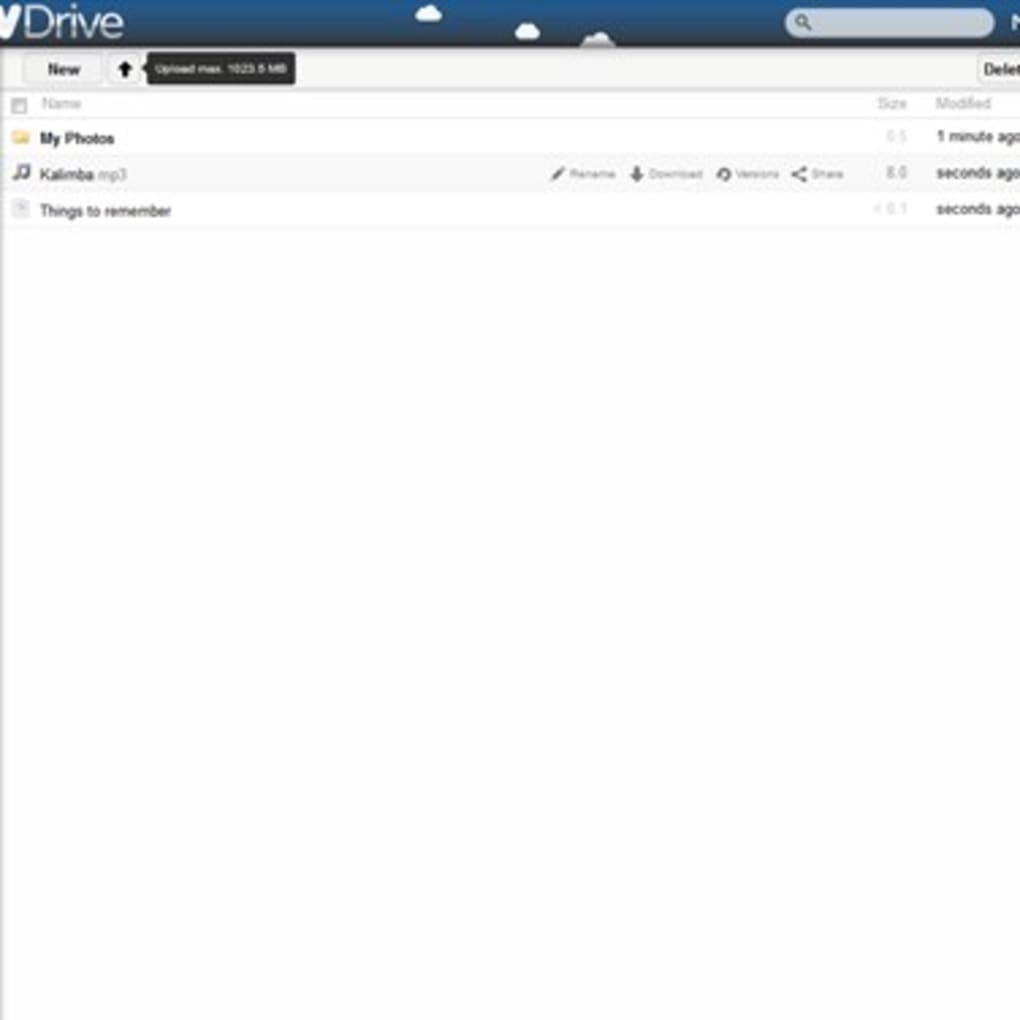
To start using the service, simply drag and drop files into the virtual drive. The client automatically encrypts each file before uploading it to the cloud servers. Sync status is displayed via a small icon overlay—green for fully synced, yellow for pending, and red for errors. On mobile devices, the app presents a clean file manager interface; tap a file to download, preview, or share. The Android version supports background sync, while the iOS app integrates with the Files app, letting you access OwnDrive alongside iCloud and Dropbox.
Supported operating systems:
- Windows 10, 11, and later (64‑bit)
- macOS 10.14 Mojave and newer (Intel and Apple Silicon)
- Android 7.0 (Nougat) and later
- iOS 13 and later (iPhone, iPad)
System requirements are modest: a minimum of 2 GB RAM, 200 MB of free disk space for the client, and an internet connection for synchronization. Because encryption occurs locally, the process is CPU‑intensive only during initial uploads; subsequent syncs are lightweight. For users on limited bandwidth, OwnDrive includes an “upload throttle” setting, allowing you to cap the transfer speed to avoid saturating your network. Overall, the installation experience is straightforward, and the cross‑platform design ensures you can move seamlessly from a desktop workstation to a mobile phone without learning new workflows.
Pros, Cons, FAQ & Final Verdict – Is OwnDrive the Right Choice for You?
Pros
- Strong AES‑256 end‑to‑end encryption protects data from unauthorized access.
- Free tier provides 1 GB of secure storage with no hidden fees.
- Unlimited device linking eliminates extra costs for multi‑device families or teams.
- Cross‑platform support covers the most popular operating systems.
- Two‑factor authentication and data residency options enhance security and compliance.
- Lightweight client with minimal impact on system performance.
- Secure, password‑protected sharing links simplify collaboration.
- Automatic backup schedules keep files up‑to‑date without manual effort.
- Premium add‑ons like a music player and RSS feed increase utility.
- Transparent privacy policy assures users that no decryption keys are stored on servers.
Cons
- Free storage is limited to 1 GB, which may be insufficient for power users.
- Premium upgrades are subscription‑based, adding ongoing costs.
- No built‑in document editing; files must be opened in external apps.
- Limited integration with third‑party productivity suites (e.g., Microsoft 365, Google Workspace).
- Desktop client lacks a built‑in file version history feature.
Frequently Asked Questions
Is OwnDrive really free?
Yes. The basic plan provides 1 GB of encrypted cloud storage at no cost. You can upgrade to a paid plan for more space and extra features, but the free tier remains fully functional.
How does OwnDrive ensure my data is private?
All files are encrypted on your device using AES‑256 before they leave your computer or phone. The encryption key is derived from the master password you set, which is never transmitted or stored on OwnDrive’s servers.
Can I sync files between Windows and macOS?
Absolutely. OwnDrive’s client is available for both Windows and macOS, and any file placed in the OwnDrive virtual drive on one platform will appear on the other after synchronization.
What happens if I forget my master password?
Because the password is the only way to decrypt your data, OwnDrive cannot recover it. You will need to reset your account, which will erase existing encrypted files. This design ensures that only you can access your data.
Does OwnDrive offer two‑factor authentication?
Yes. You can enable 2FA via an authenticator app (Google Authenticator, Authy, etc.) in the security settings of your OwnDrive account.
Final Verdict – Should You Download OwnDrive?
OwnDrive delivers a rare combination of strong encryption, true cross‑platform sync, and a genuinely free entry point. For users who prioritize privacy over massive storage quotas, it offers a trustworthy alternative to mainstream services that often harvest metadata. The unlimited device linking is especially appealing for families or small teams that need seamless access across Windows, macOS, Android, and iOS without juggling multiple accounts. While the free tier’s 1 GB limit may feel modest, the upgrade path is transparent and includes valuable extras like a music player and RSS feed. If you’re comfortable managing your own master password and appreciate a lightweight client that runs quietly in the background, OwnDrive is a solid choice for personal or light‑business use.
Ready to secure your files? Download OwnDrive now and start protecting your data with industry‑grade encryption—free of charge.







